
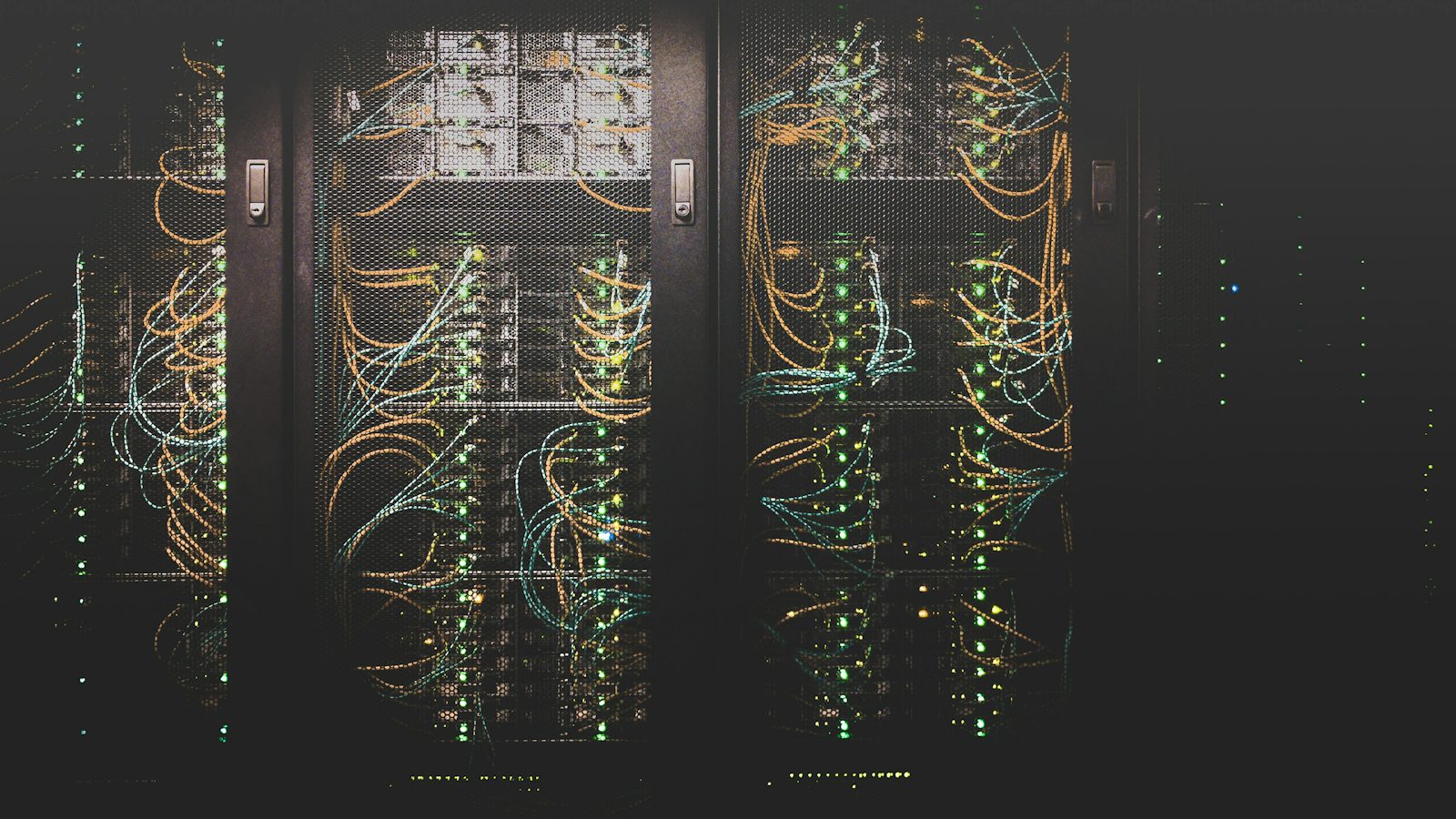
Ask most small offices in Monterey where their backup lives and someone points at a closet. That's the problem. Whatever wrecks the server, whether it's a leak, a fire, or someone walking out the back door with it, usually gets the backup drive sitting next to it as well. Cloud backup sends a copy of your files to a data center far from here, on a schedule, with nobody needing to remember anything.
When You Need Cloud Backup
You need it the day your only copy is in the building.
That's most offices we meet. The other signs are quieter. Nobody has restored a file from the backup in a year. The software sends warnings to an inbox nobody checks. Your laptops hold work that never touches the server, like a bookkeeper's spreadsheets or a project manager's drawings.
Ransomware is the sharpest reason. Attackers now hunt for backup drives on the network and encrypt them first, before they touch anything else. A copy that sits offsite, out of reach of the office network, is the one that survives.
Don't wait for a scare to set it up. The first full copy takes time, and you want it done before the bad day.
How Cloud Backup Works
We start by asking what you can't lose. Usually that means the server and your accounting data, plus a couple of laptops.
A small program goes on each of those machines. It sends one full copy to the data center, and after that only the changes, so the daily traffic stays light. The data is encrypted before it leaves your building. Older versions get kept for a set period, which means you can pull back last Tuesday's file, from before someone saved over it.
Rural offices need a little more planning. A Carmel Valley winery or a Salinas Valley ag office on one slow internet line can take a while to send that first copy, so we schedule it overnight across several nights to keep the workday clear.
We watch the jobs. When one fails, we hear about it. Then we fix it.
Cloud Backup Cost in Monterey
Three things move the price. How much data you have is the big one. Then there's the number of servers and computers being copied, and how far back you want older versions kept. For managed IT clients, backups are already part of the base plan. If you only want backup, we'll look at your setup on a short call and send the price in writing before anything gets installed. It won't change unless your data or your machine count does.
Why Offices Here Pick Us for Backup
When a restore is urgent, you're calling a local office that has supported local businesses since 2008. A down server is a critical ticket. A technician is on it within 15 minutes, and the 24/7 line covers nights. Most restores happen over a remote session. If the hardware itself is gone, we drive over.
For a first look at what cloud services can do for a small office, try our plain guide to cloud computing. Cloud copies are one piece of the backup and recovery work we do for Monterey offices, and they work best with the rest of it in place.
Call (831) 649-5050 and we'll check what your current backup actually covers.
Frequently Asked Questions
Is my data safe sitting in someone else's data center?
It's encrypted before it leaves your office, so the data center holds scrambled files without the key. For most businesses that copy is far safer than a drive on a shelf next to the server.
How long does it take to get files back?
A single file or folder usually comes back quickly over a remote session. A whole server takes longer, depending on its size and your internet speed. We'll talk through realistic restore times for your setup before you ever need one.
Do we still need a local backup if we have cloud backup?
Often, yes. A local copy restores a big server faster, and the cloud copy protects you if the building is lost. Many offices keep both.