
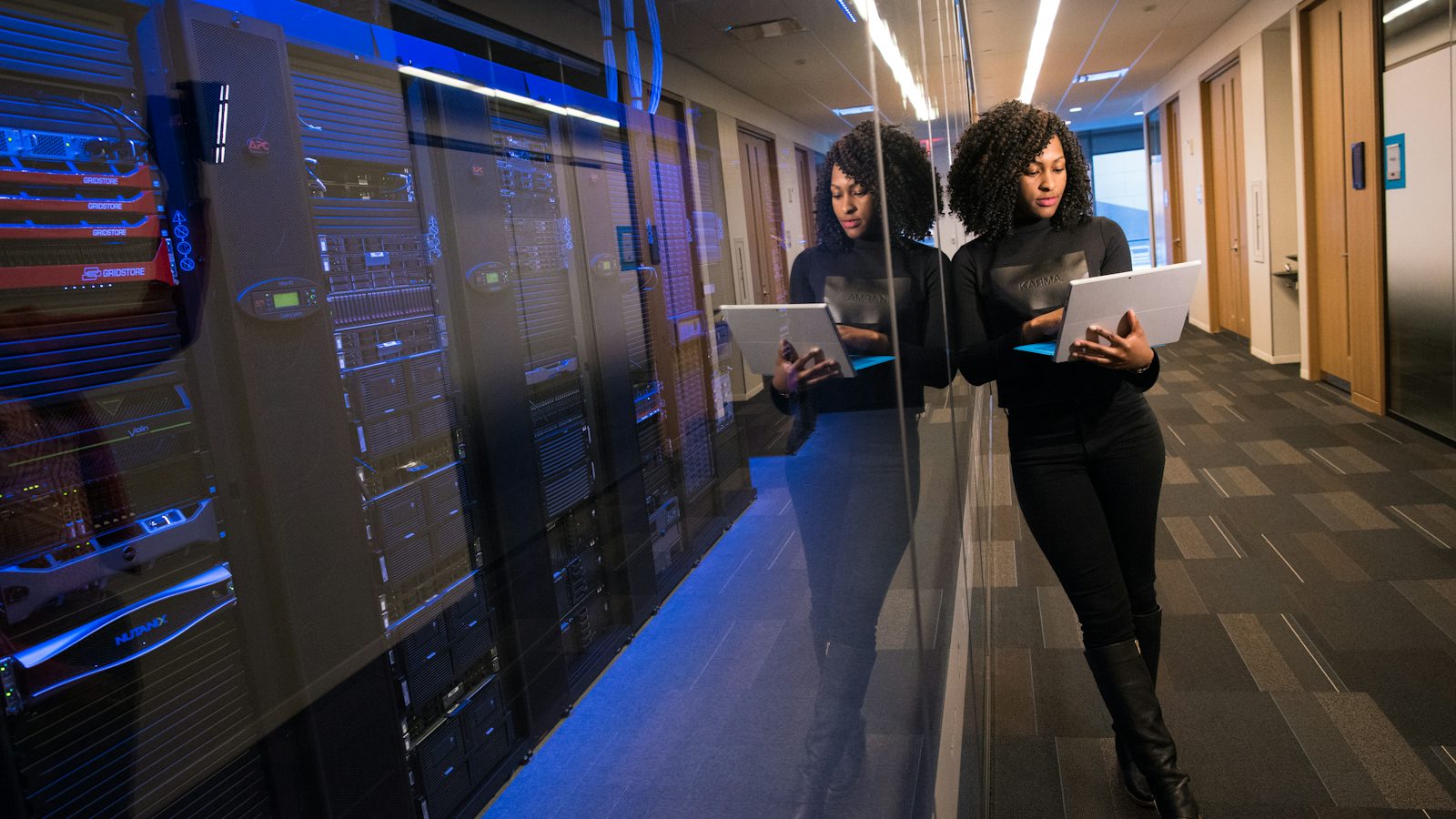
Your IT manager is good at the job. They're also one person. At 2 AM on a Saturday, when the firewall at your Salinas warehouse stops passing traffic, that person is asleep. Or on a plane. Co-managed IT from our Monterey office puts a full team behind them, with technicians on the emergency line around the clock and a security operations center watching for attacks while your staff are off. A critical ticket gets one of our technicians within 15 minutes. Your person stays in charge the whole time.
Signs You Need Co-Managed IT Services
The clearest sign is a project list that never gets shorter. Your IT lead meant to replace the old switches in March. Then came a run of password resets, a laptop that refused to connect to the VPN, and a printer that ate most of a week. The switches are still there.
Burnout is the other one. If one person carries the on-call phone every night and every weekend, you're one resignation away from nobody knowing how your network works. It's an easy risk to miss until the day the notice lands.
Security is where small IT teams get stretched the furthest. Watching the alerts that antivirus and email filtering throw off is a full-time job, and attackers like to start on a Friday night. Hiring a security analyst on the Central Coast is slow and expensive. So in most companies with one or two IT people, nobody is looking at those alerts after 5 PM.
What We Can Share With Your IT Team
Think of it as a menu. Your team picks what it wants help with and keeps everything else.
Help desk overflow is where most clients start. Password resets, new-hire setups, and Outlook trouble come to us, and your IT lead gets their week back for the work only they can do. Any ticket they'd like to keep, they keep.
After-hours coverage means our 24/7 emergency line picks up when your team logs off. Overnight outages. Weekend alerts. The holiday nobody wants to be on call for. We fix what we can and hand the rest back in the morning with notes on what we did.
Projects get extra hands for the stretch you need them. An office move, a server replacement, a migration to Microsoft 365. Your lead plans it and we help carry it. When it's done, we step back.
Then there's tooling. In-house teams tend to like this part best, because your staff get the same monitoring and patching tools we use every day, plus our remote support software. That's a whole stack they don't have to buy or maintain.
The biggest piece is the SOC, short for security operations center. A SOC is a group of analysts whose whole job is watching security alerts from your network around the clock. If something looks like an attack in progress, both teams hear about it right away.
Whatever you share, your staff keep the authority. They set priorities, own the vendor relationships, and approve changes. We write down what we touch so nothing surprises them on Monday.
Co-Managed IT for Monterey County Businesses
Co-managed IT fits companies big enough to have hired IT staff, and around here that often means one of two kinds of business.
The first is defense work. Contractors who support the Naval Postgraduate School or the Defense Language Institute have to meet NIST 800-171, and CMMC builds its certification on top of it. That's a long list of security controls. Logging and monitoring alone are more than one IT person can keep up with. Our SOC and tools can carry the monitoring side, and your staff keep ownership of the compliance plan. You can read NIST's SP 800-171 publication yourself for the full list.
The second is hospitality. A hotel group on the Peninsula might do fine with one IT manager in February, then bring on a wave of seasonal staff by June. Every one of those people needs an email account and a login to the reservation system, and all of it has to be shut off again in the fall. We absorb that surge so your manager doesn't spend the summer resetting passwords.
We work with companies in Monterey, Salinas, Marina, Seaside, and Watsonville, and out to Hollister. When your team needs another set of hands on site, a technician drives over from New Monterey.
What to Expect
The first meeting includes your IT staff along with whoever signs the checks. We want to hear where they're stretched, what they'd hand off tomorrow, and what they'd never let go of. Then we look at your systems and write down who owns what.
You get a written proposal with the price for the pieces you picked before any work starts. Onboarding means installing our tools, connecting to your ticket flow, and agreeing on the handoff rules: which tickets come to us, who gets called at night, how we report back. Timing depends on the size of your environment and how much you're adding. You'll have the schedule up front.
Why In-House IT Teams Work With Us
We've supported Monterey County businesses since 2008, more than 250 of them, so your staff are working with people who've already seen most of what goes wrong on the Central Coast. When something is on fire, our written target is a technician on it within 15 minutes. Most of what comes in is fixed remotely within an hour, through a ScreenConnect session your staff can watch.
None of this puts your IT person's job at risk. They keep the title and the final say. We're the extra people standing behind them.
If your IT lead is stretched thin, call (831) 649-5050 and ask about co-managed coverage. Companies with no IT staff at all usually do better with our fully outsourced IT plan. To see the rest of what we do, start with the technicians behind Monterey's IT support.
Frequently Asked Questions
Will co-managed IT replace our IT person?
No. Your staff stay employed and stay in charge of decisions. We take the work they don't have time for and cover the hours they can't.
What's the difference between co-managed and fully managed IT?
With fully managed IT, we're your entire IT department. With co-managed IT, you already have IT staff, and we fill the gaps they choose, like overnight coverage or security monitoring.
Can our IT staff use your tools?
Yes, and for a lot of teams that's the main draw. They get access to monitoring, patching, and remote support tools without buying and maintaining their own.
Does co-managed IT help with CMMC or HIPAA requirements?
It helps with the technical side. Our SOC watches alerts and our tools keep records of patching and security events, while your team owns the policies and paperwork. We help clients meet HIPAA, PCI DSS, NIST 800-171, and CMMC.
How do tickets get split between your team and ours?
We agree on the rules before we start. A common setup sends password resets and routine requests to us, keeps anything touching core systems with your staff, and routes after-hours calls to our emergency line. The split gets revisited at planning meetings as your needs change.